7E777 Deposit and Withdraw
Managing your balance on 7E777 is done directly from the game account. For players in Pakistan, the platform provides Easypaisa and JazzCash as payment options for both deposits and withdrawals.
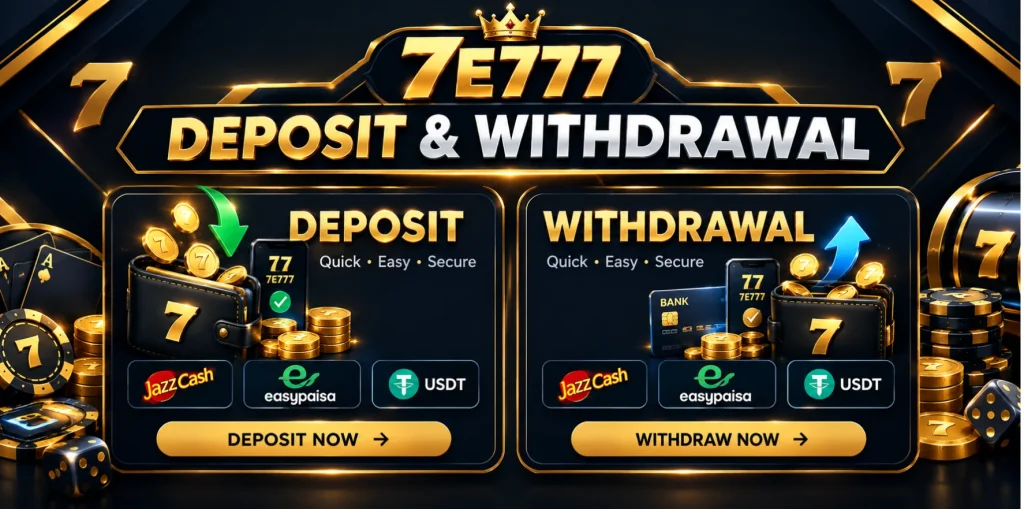
You can choose either wallet from the payment section inside your 7E777 account. Before sending money, always check the account number and amount shown on the payment screen. A small mistake in the wallet details can cause unnecessary delays.
7E777 Deposit Options
7E777 supports two commonly used mobile wallets for adding money to your account:
- Easypaisa
- JazzCash
The payment option appears inside the game when you open the deposit section. Select the wallet you normally use and follow the instructions displayed there.
If you are also exploring other gaming platforms, you can check Pak Super for more information about its available games and features.
Deposit with Easypaisa
If you use Easypaisa, you can add money to your 7E777 balance from your Easypaisa wallet.
The usual process is:
- Log in to your 7E777 account.
- Open the Deposit section.
- Select Easypaisa.
- Enter the amount you want to add.
- Check the payment details shown on the screen.
- Complete the payment from your Easypaisa account.
- Return to 7E777 and check your balance.
Keep the transaction information until the amount has appeared in your 7E777 account.
Deposit with JazzCash
JazzCash is another payment option available inside 7E777.
To make a deposit:
- Sign in to your 7E777 account.
- Go to the Deposit area.
- Choose JazzCash.
- Enter your required amount.
- Follow the payment instructions provided by 7E777.
- Complete the transaction through your JazzCash wallet.
- Check your 7E777 balance after the payment is completed.
Always use the payment details displayed in your own account rather than using an old number saved from a previous transaction.
Before Making a Deposit
Take a few seconds to check the payment information before confirming the transaction. Make sure:
- The selected method is the wallet you intend to use.
- The amount is correct.
- The payment details match what is shown inside your 7E777 account.
- Your Easypaisa or JazzCash account has enough balance.
- You keep the transaction reference until the deposit is reflected.
If money has been deducted from your wallet but the 7E777 balance has not changed, avoid sending the same payment again. Keep your transaction reference and contact the platform’s support team.
7E777 Withdrawal Options
When you want to move money out of your 7E777 account, Easypaisa and JazzCash are available as withdrawal methods.
The withdrawal option can be found inside your account. Available limits and any requirements should be checked on the withdrawal screen before submitting a request.
How to Withdraw Through Easypaisa
For an Easypaisa withdrawal, open your 7E777 account and go to the withdrawal section.
Follow these steps:
- Log in to your 7E777 account.
- Open Withdraw.
- Select Easypaisa.
- Enter the amount you want to withdraw.
- Enter or select the required Easypaisa account details.
- Check the information carefully.
- Submit the withdrawal request.
Make sure the Easypaisa number belongs to you and is entered correctly. Incorrect account information can create problems when the payment is being processed.
How to Withdraw Through JazzCash
JazzCash can also be selected when making a withdrawal from your 7E777 account.
The process is simple:
- Open your 7E777 account.
- Go to the Withdraw section.
- Select JazzCash.
- Enter the withdrawal amount.
- Provide the requested JazzCash account details.
- Review everything before submitting.
- Confirm the withdrawal request.
After submitting the request, keep the withdrawal reference or transaction details until the money reaches your JazzCash wallet.
What If a Withdrawal Is Pending?
A withdrawal does not always reach a mobile wallet at exactly the same time. Processing can depend on the account status, payment system and the information entered with the request.
If your withdrawal remains pending:
- Check the withdrawal status in your 7E777 account.
- Make sure your wallet details are correct.
- Check whether 7E777 has requested any additional verification.
- Do not submit several identical withdrawal requests.
- Contact support if the stated processing period has passed.
Providing the withdrawal reference when contacting support makes it easier to locate the transaction.
Easypaisa or JazzCash, Which One Can You Use?
Both payment options are available inside 7E777 for Pakistani users. You can select Easypaisa or JazzCash according to the wallet you already use.
The important thing is to follow the payment details shown inside your own 7E777 account. Payment limits and other transaction information can change, so the amount displayed in the current deposit or withdrawal screen should be treated as the latest information.
Payment Safety Tips
A few simple habits can prevent payment problems.
Never send money to a number received from an unknown person claiming to be a 7E777 representative. Use the payment information provided inside your account.
Also avoid sharing your:
- OTP
- Account password
- Easypaisa PIN
- JazzCash MPIN
- Transaction verification codes
Keep your payment receipt or transaction reference until the transaction has been completed.